Apple Music
Remastered.
Symphony turns Apple Music into a personal listening dashboard. Insights, Shazam, Last.fm scrobbling, beautiful Now Playing, themes, and widgets — in one elegant iOS app.
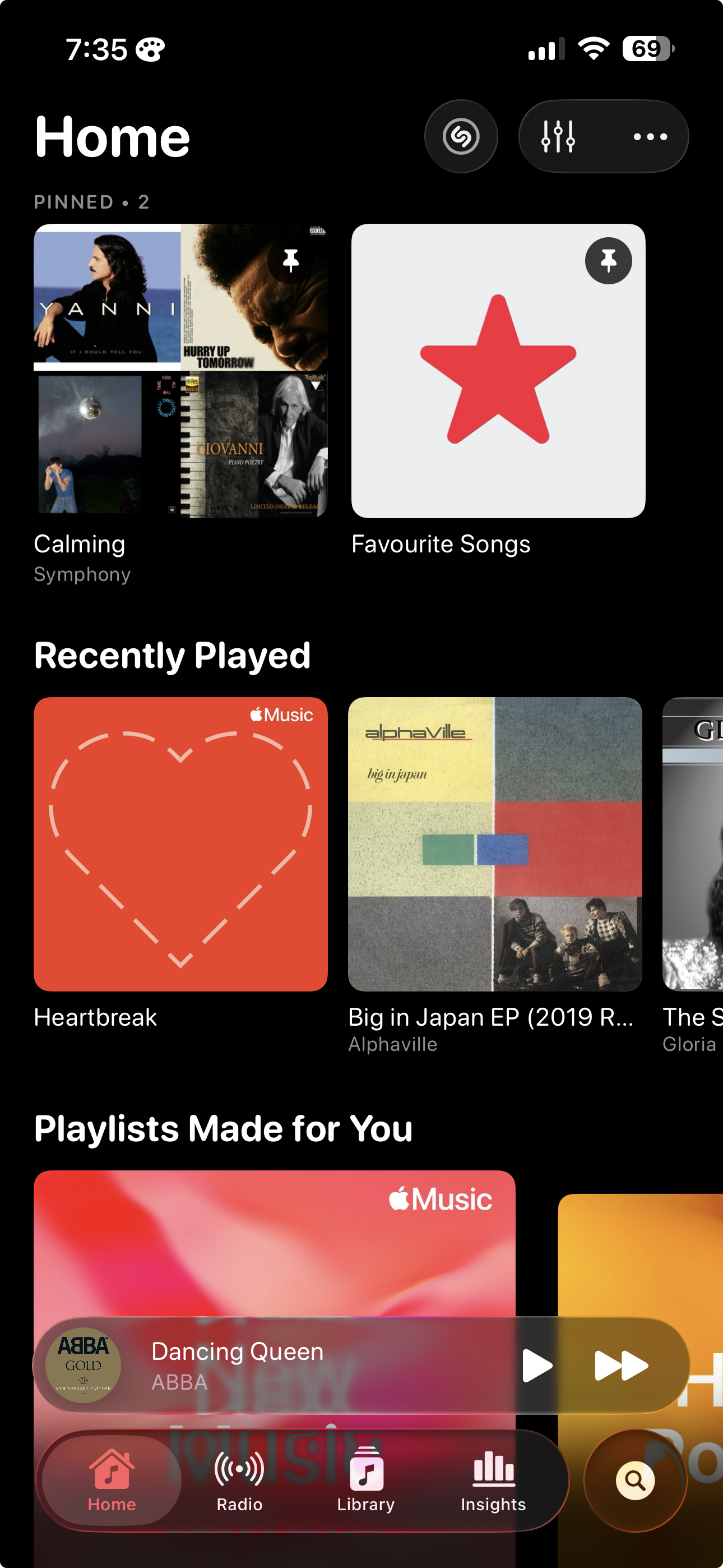
Your year in music, every day.
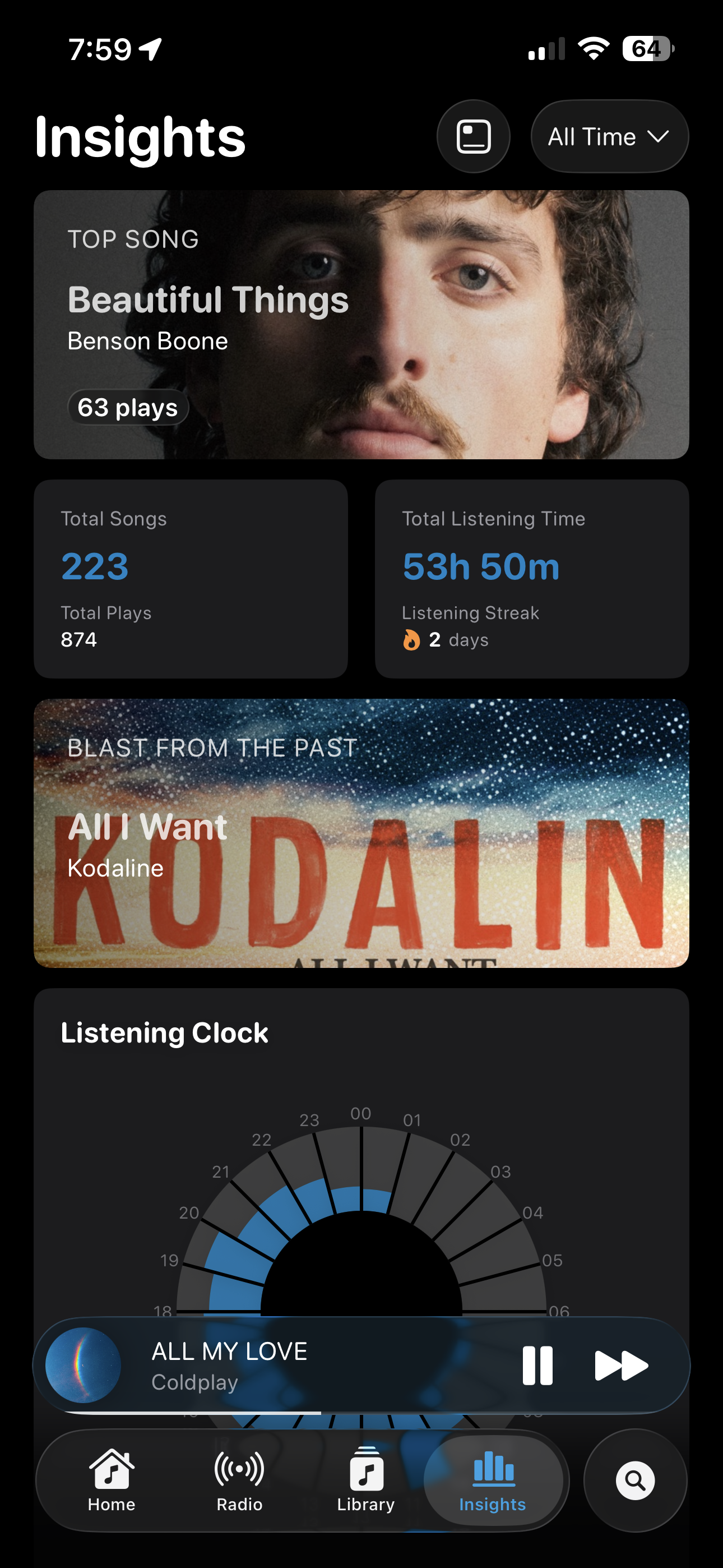
Symphony quietly tracks what you listen to and turns it into a beautiful, personal dashboard. See your top songs, listening streaks, and the surprise of a blast from the past.
- Top song, total plays, total listening time
- Listening clock — see when you actually listen
- Streaks, milestones, and blast-from-the-past
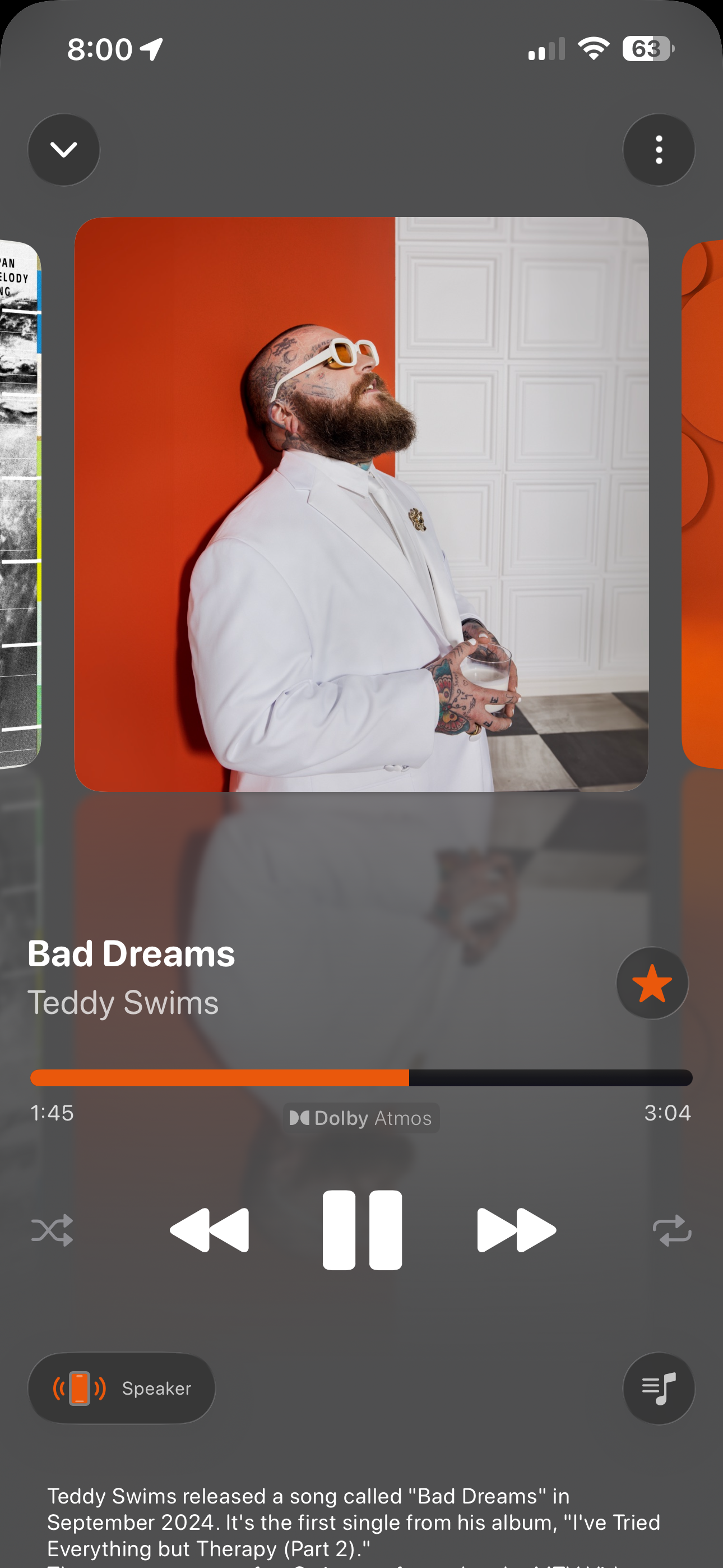
A player you'll actually open.
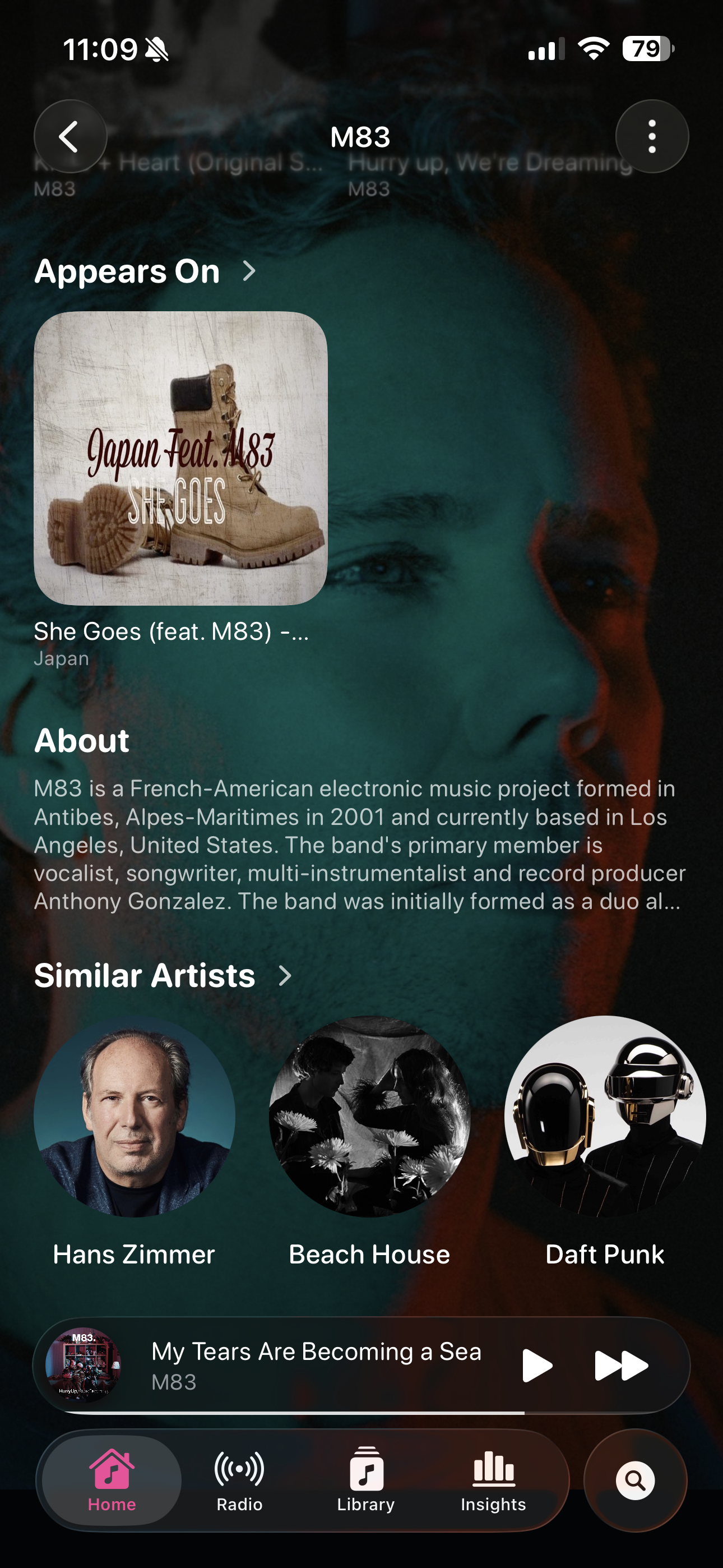
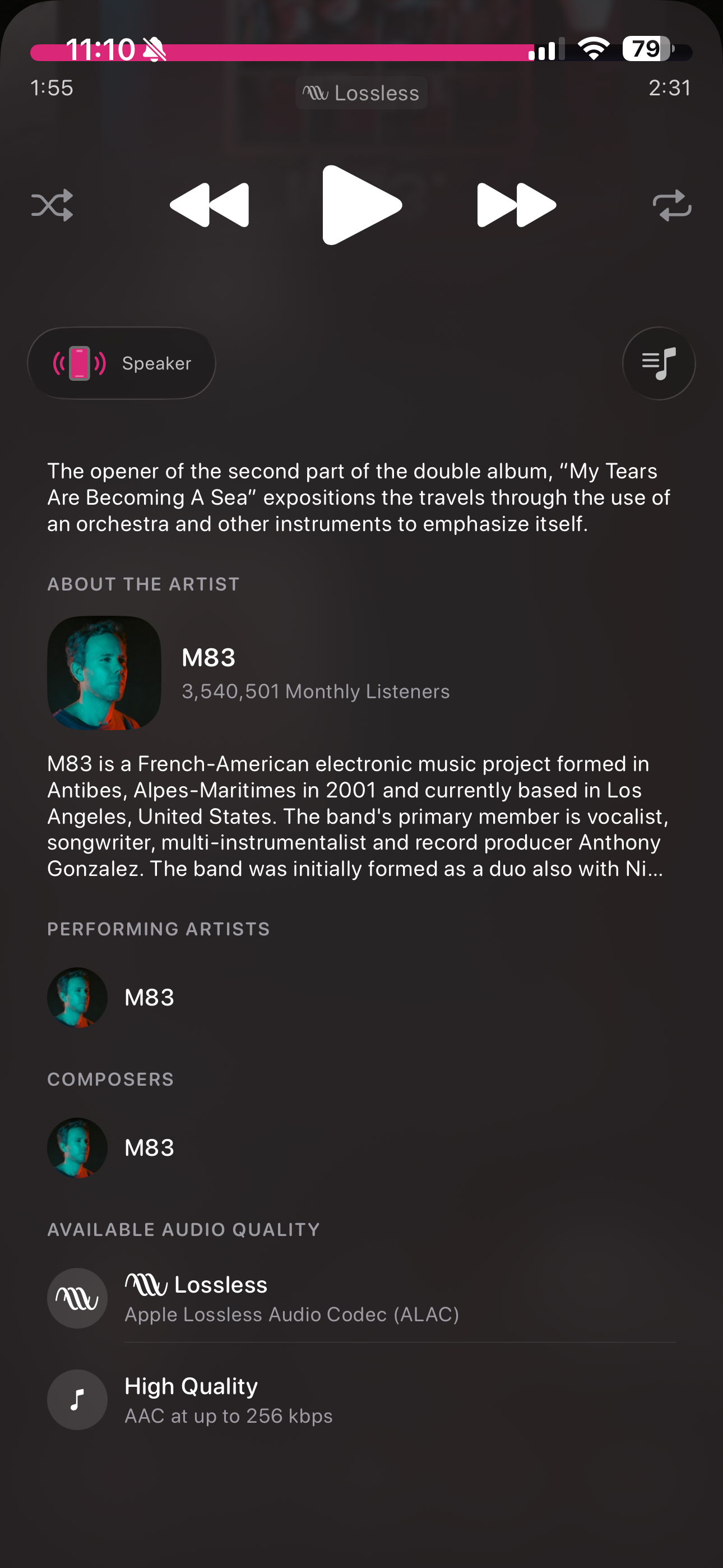
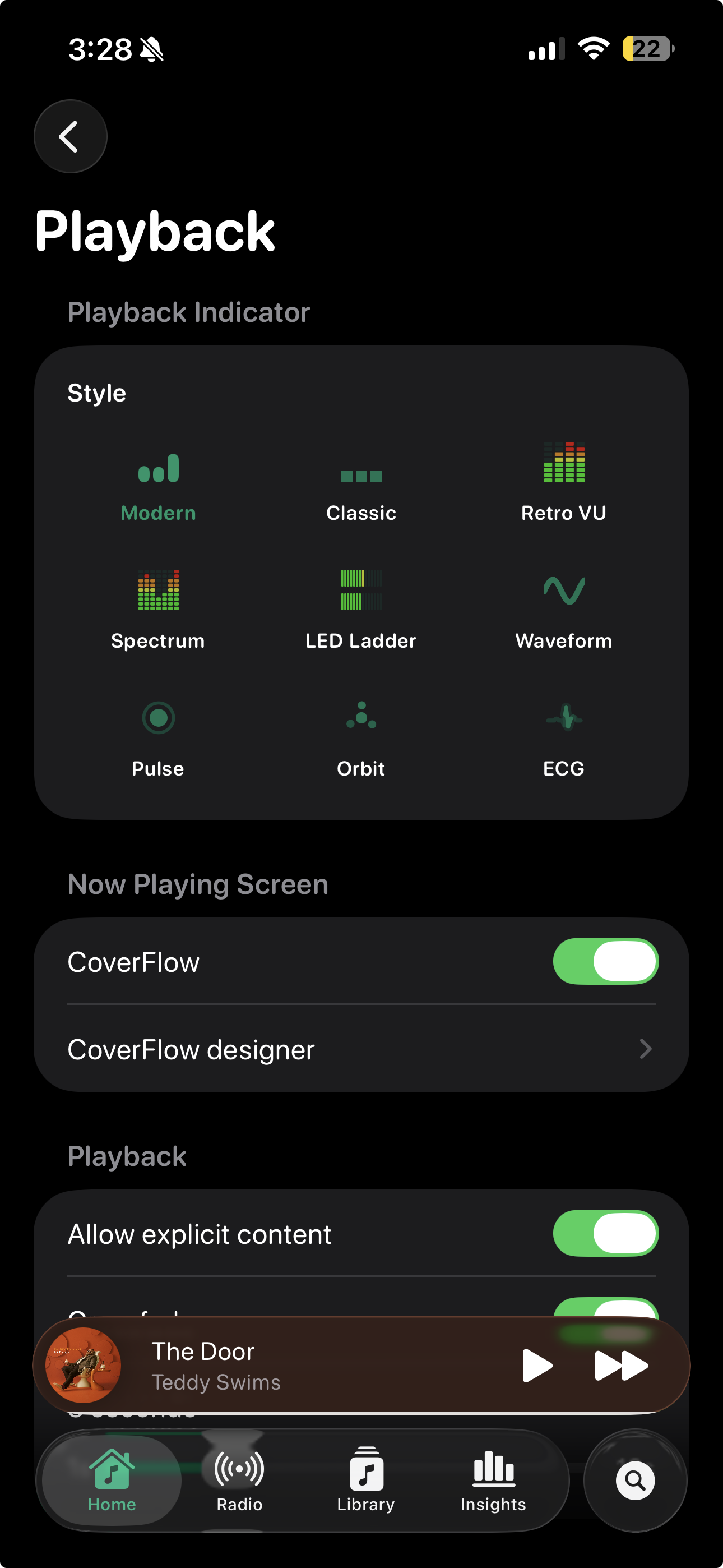
Album art that breathes. Lossless and Dolby Atmos badges where they belong. CoverFlow when you swipe sideways. The Now Playing screen Apple Music deserves.
- CoverFlow with custom designer
- Lossless · ALAC · Dolby Atmos indicators
- Eight playback indicators — Modern, Classic, Retro VU, Spectrum, LED Ladder, Waveform, Pulse, Orbit, ECG
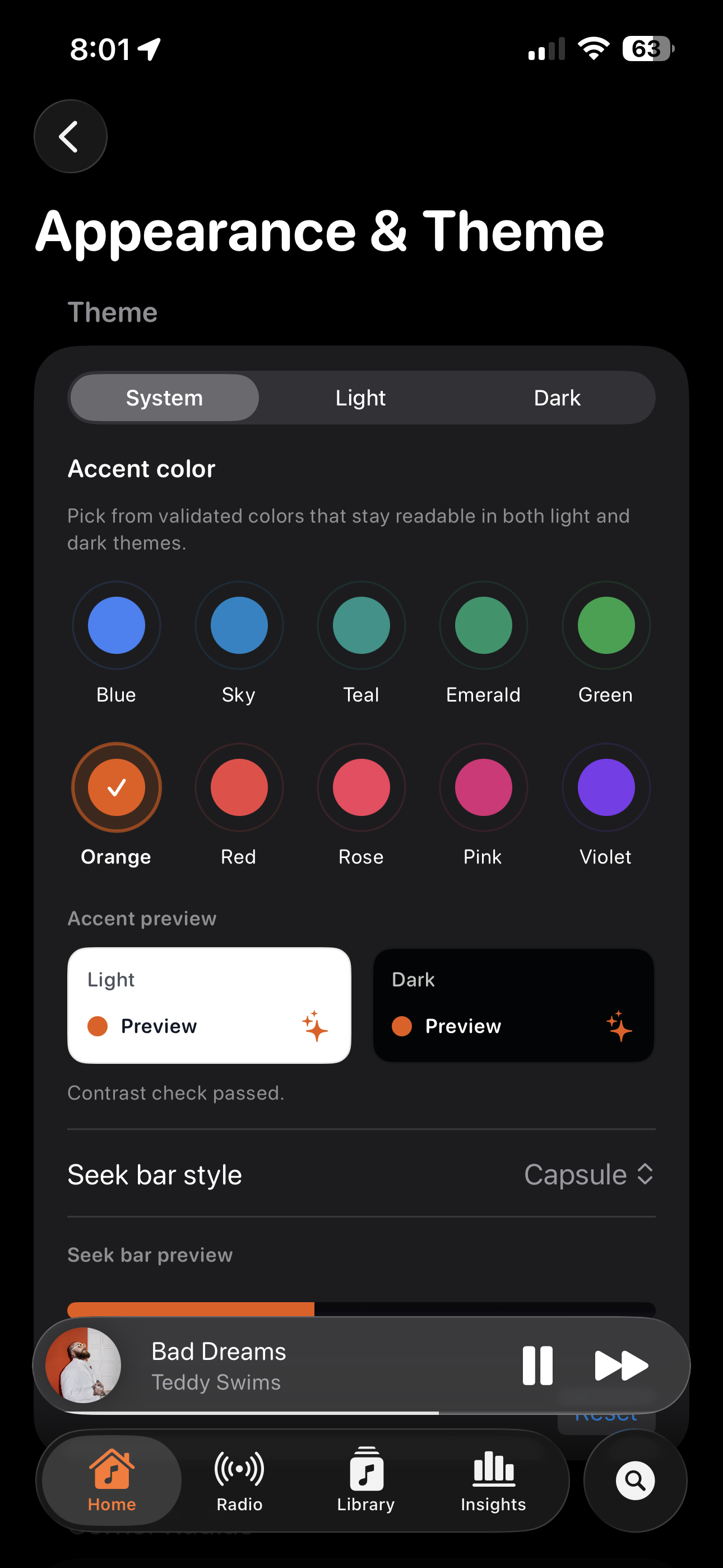
Make it yours.
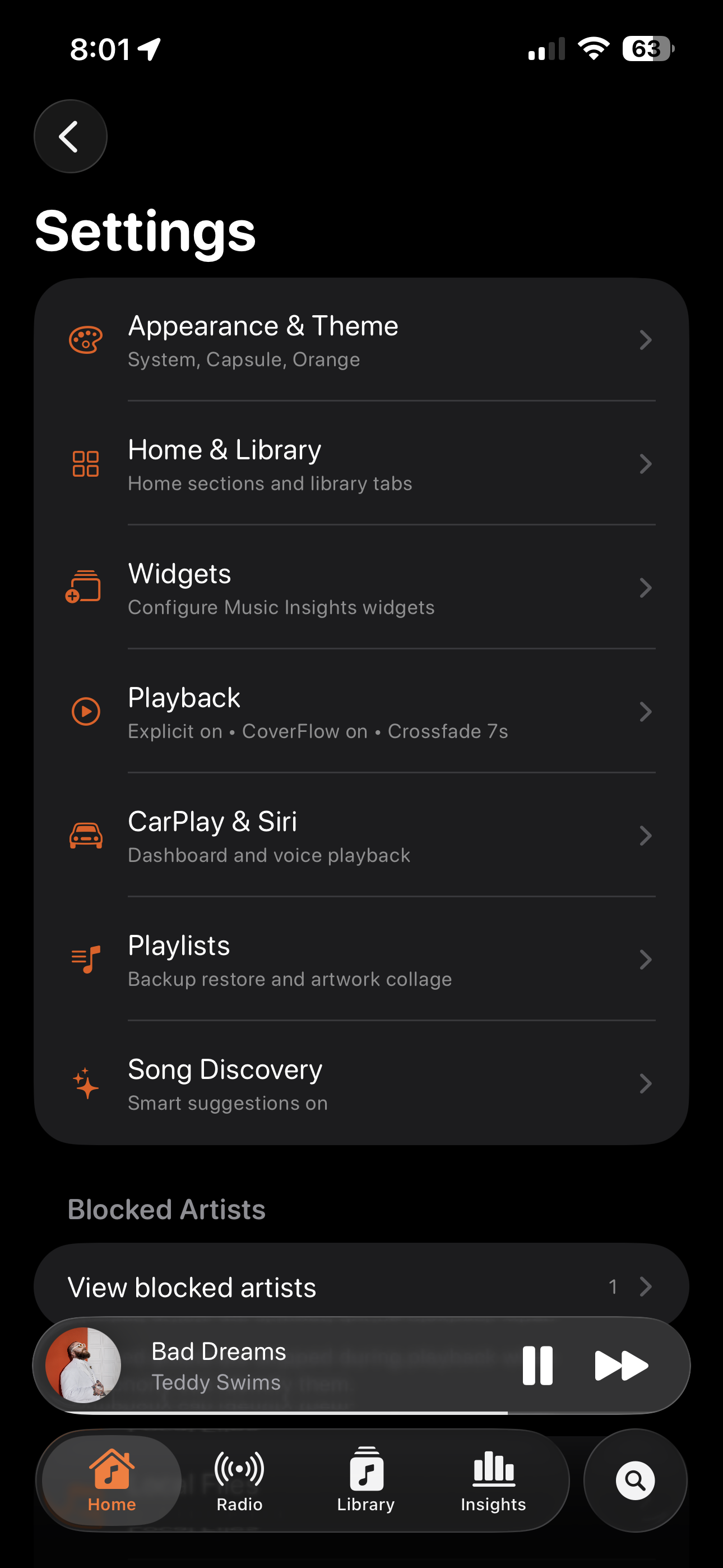
Ten validated accent colors that stay readable in both light and dark. System, Light, or Dark mode. Capsule or classic seek bars. Symphony adapts to you, not the other way around.
- 10 accent colors with built-in contrast checks
- System · Light · Dark
- Capsule or classic seek bar
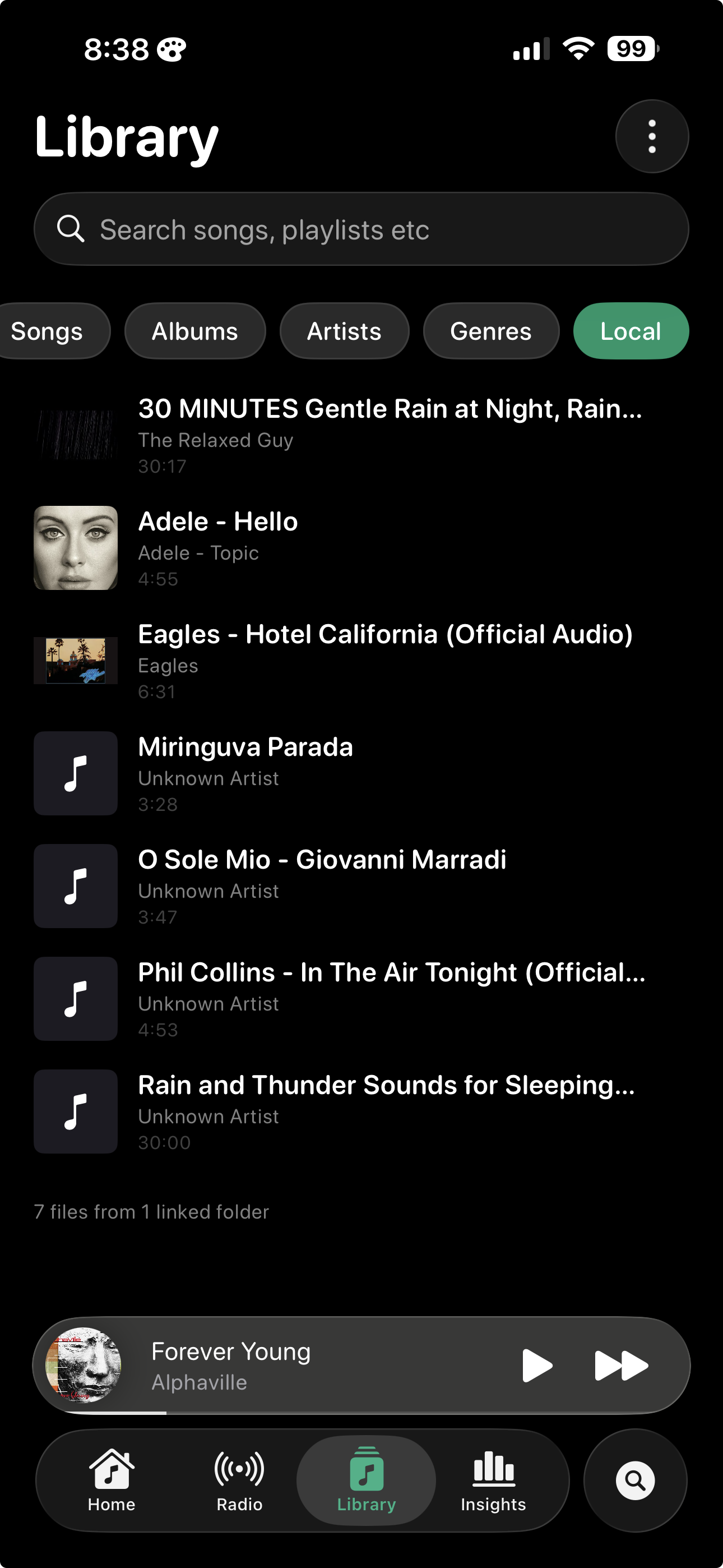
Your whole library, organized.
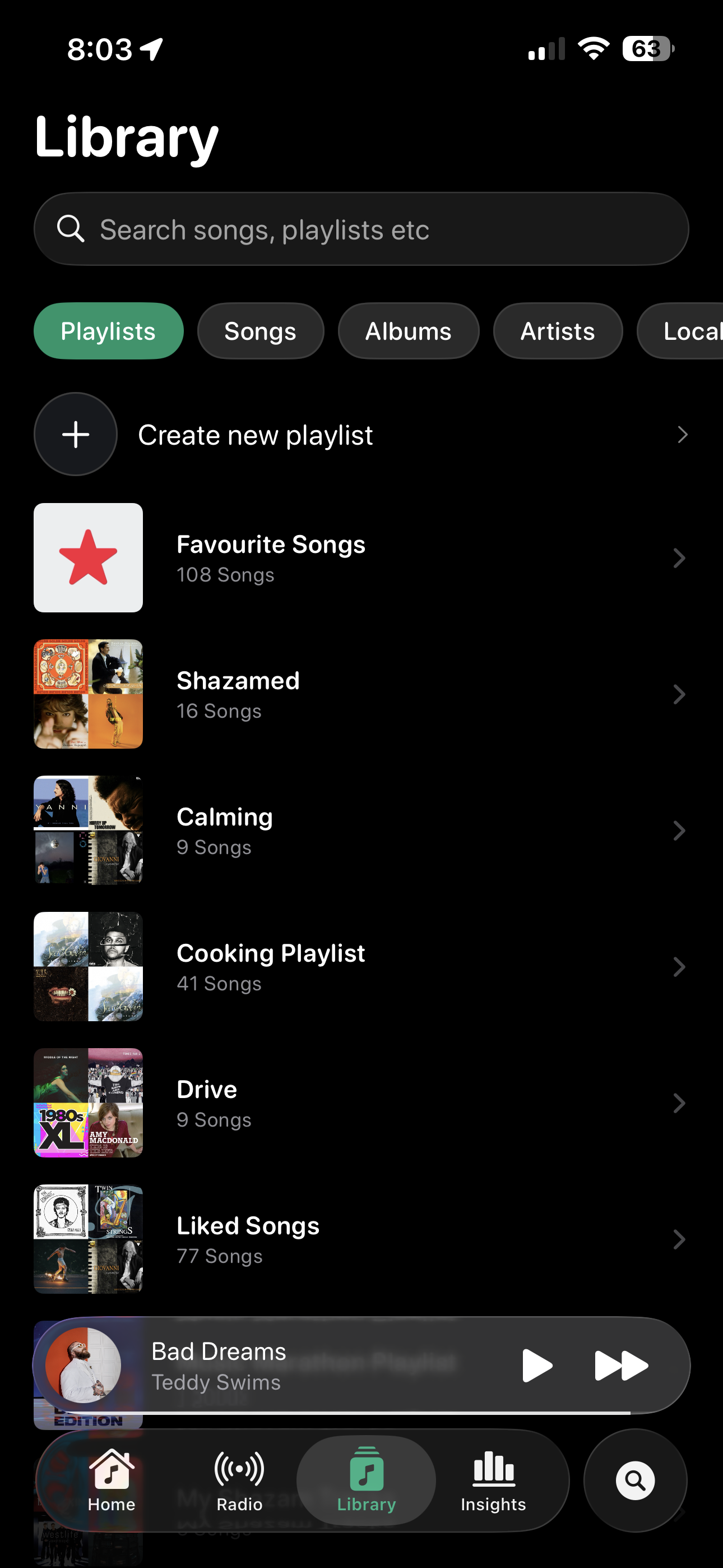
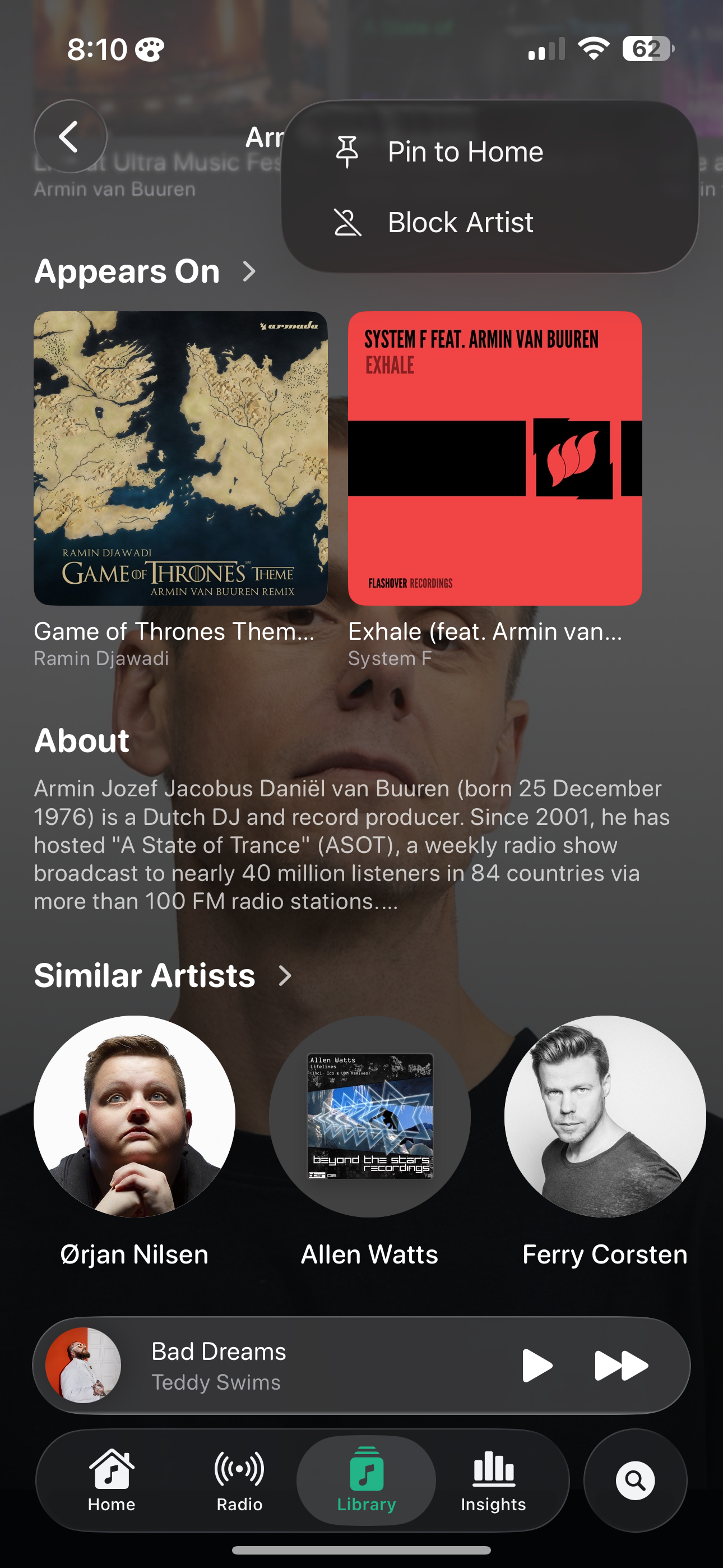
Playlists, songs, albums, artists, genres — plus local files from your iCloud Drive. Search across everything, with smart suggestions that learn what you mean.
- Playlists, songs, albums, artists, genres, local files
- Backup, restore, and artwork collage for playlists
- Smart song discovery
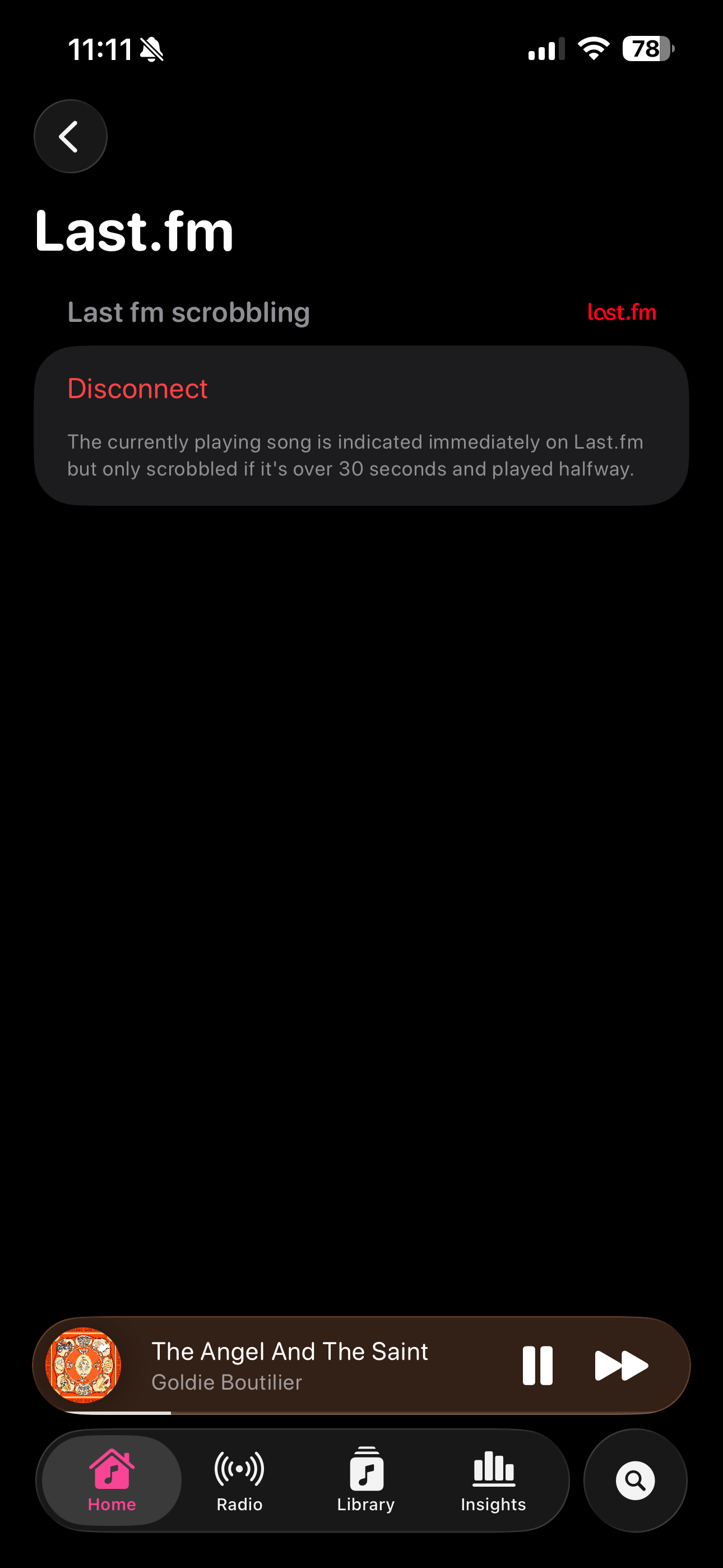
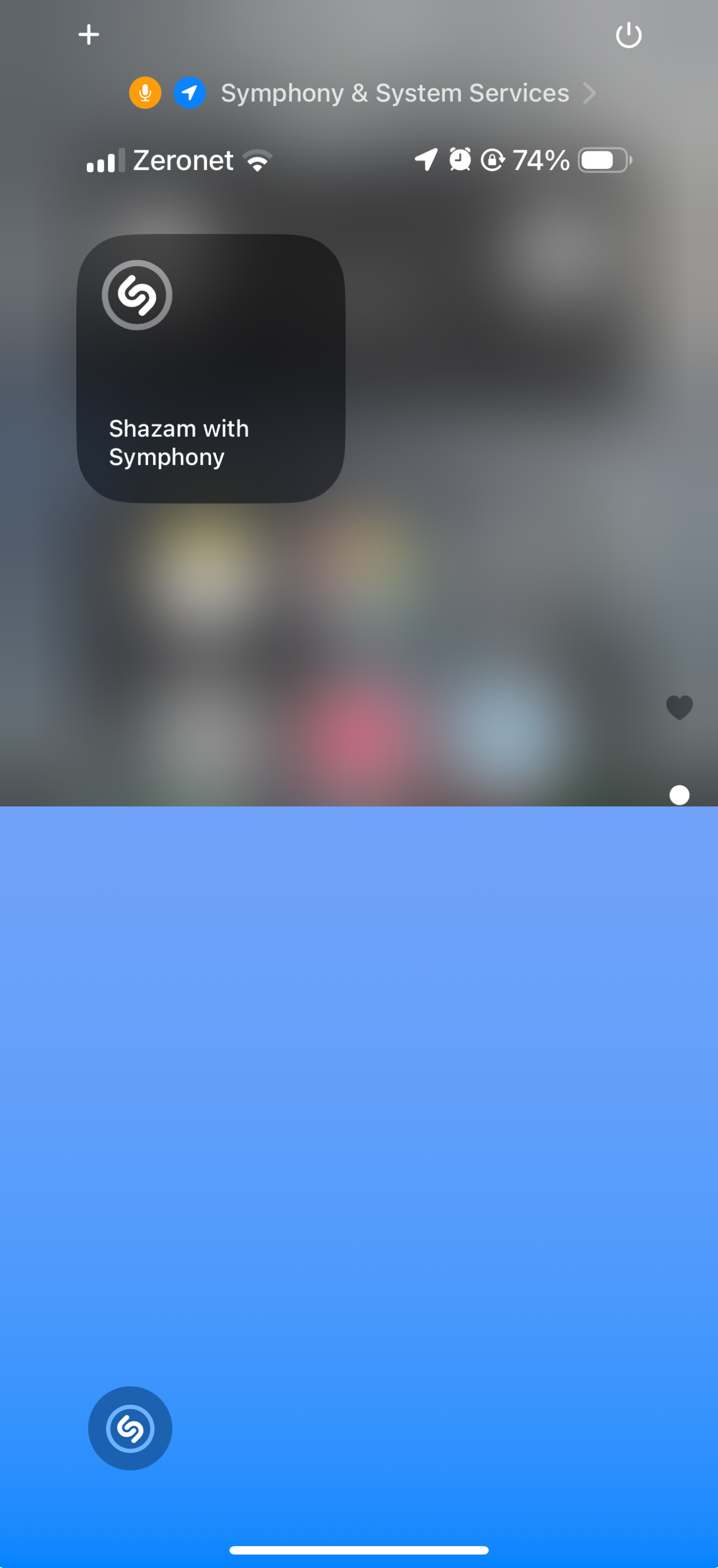
Last.fm scrobbling. Shazam built-in.
Connect Last.fm and Symphony scrobbles automatically, the right way — only counts plays over 30 seconds and past the halfway mark. Identify any song with the Shazam shortcut, straight from your home screen.
- Last.fm scrobbling with proper rules
- Shazam shortcut from home screen
- CarPlay & Siri
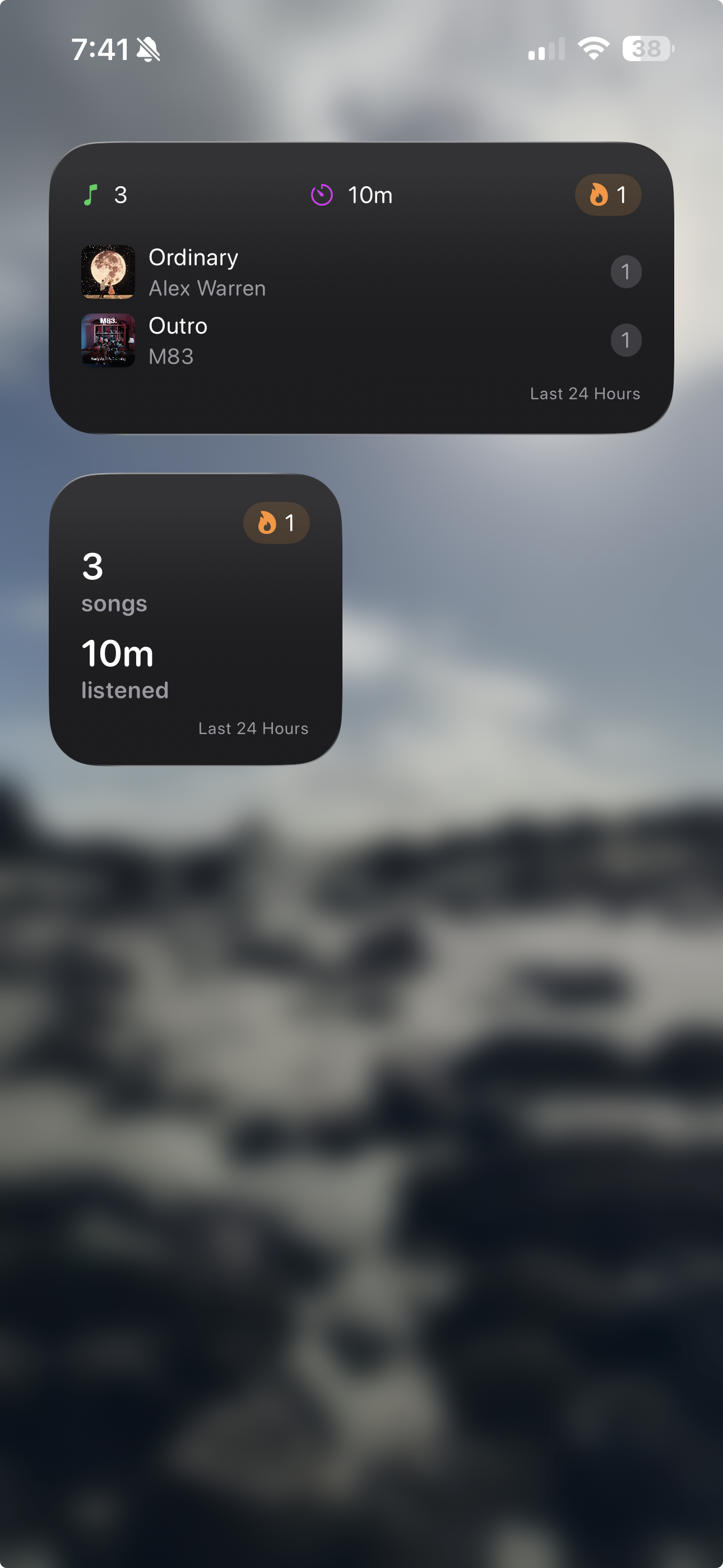
Insights, on your home screen.
A glance is all it takes. See today's listening time, your top tracks, and your streak — without ever opening the app. Multiple widget sizes, all configurable.
- Today's plays and total listening time
- Top tracks and current streak
- Configurable medium and large layouts
Designed to feel like part of iOS.
Fully native SwiftUI. Liquid Glass throughout. Light and dark, CarPlay, Siri, widgets — it all just works.
Try it free, today.
Symphony works with your existing Apple Music subscription. No signup, no ads. Just a better way to listen.
iOS 26+ · Requires Apple Music subscription